Full-page screenshots with no sign-up and no account
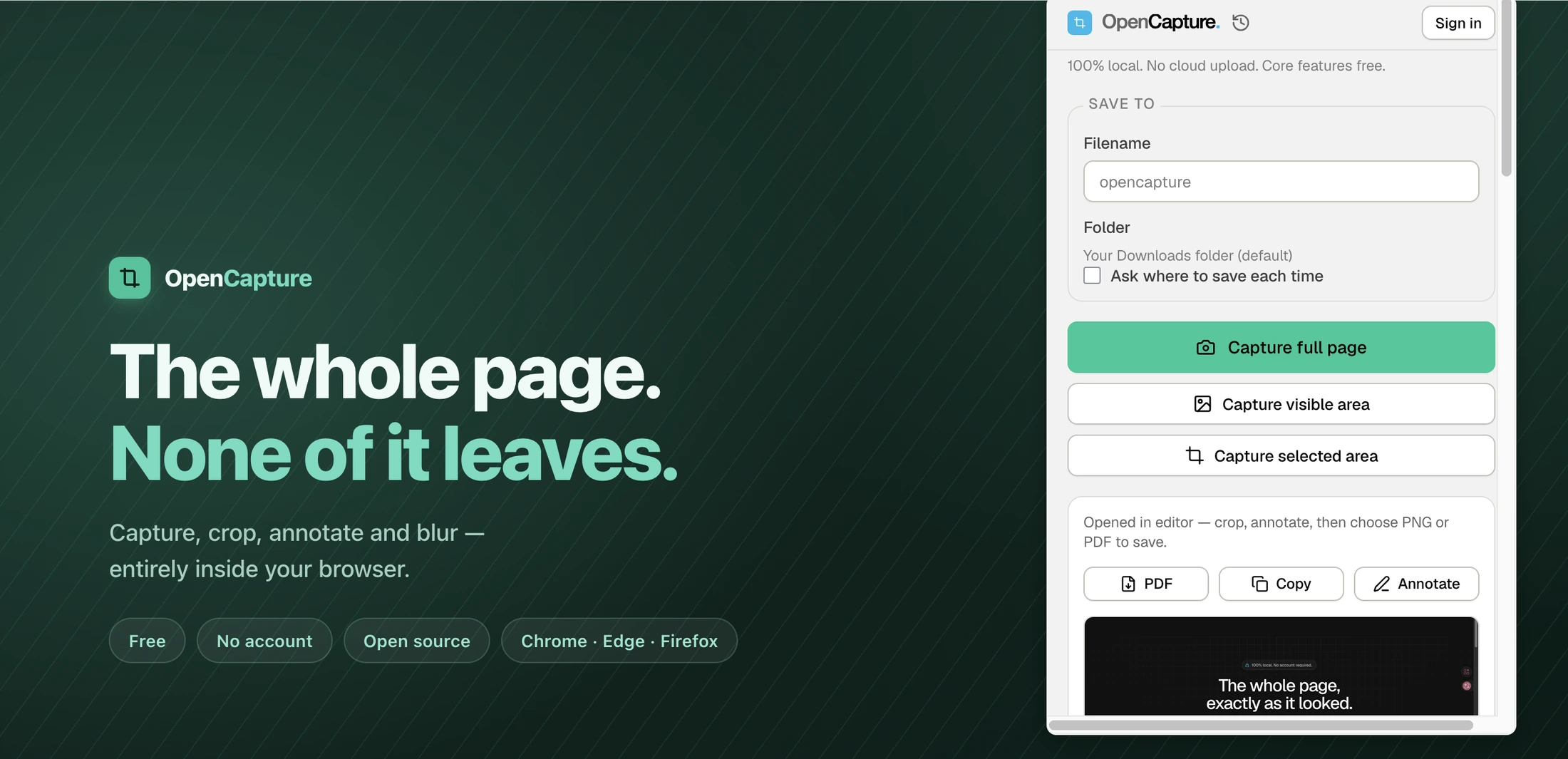
Install it, pin it, capture. There is no onboarding, no email field, no trial countdown and no "sign in to continue" wall in front of any core feature.
What you get without an account
- Full-page capture — the entire scrolling page as one image.
- Visible-area and selected-area capture.
- Crop, draw, add text, and blur or blur anything private.
- Unlimited undo while you edit.
- Export to PNG or PDF.
- Your last 50 captures kept locally so you can reopen them.
That is the whole product except one thing.
The exception, stated plainly
Tiling a logo or text watermark across an export is a paid feature. It costs a one-time Supporter unlock — $5 for 1,000 credits, never expires, no subscription. Buying it is the only reason to sign in — and if you never need a watermark, you never need an account.
Everything else is free and always was.
Why so many screenshot tools want an account
Usually because the screenshot goes to their server: a cloud library, a share link, a team workspace. Those are real features, and if you want them another tool will serve you better. OpenCapture is built for the case where you just want the image on your own disk, and none of that needs an account.